
Pinterest is an absolutely fantastic website.
I love it.
I’m not going to say anything bad about it, but there is a lot of competition on Pinterest.
The trouble is, most people focus on the obvious source of traffic, Facebook, YouTube, Pinterest, when in fact there are tons of other, lesser known, but still very powerful traffic sources.
Pinterest Overview
Pinterest has many features that allow you to use it in a variety of ways.
You can arrange your images into themes, which are called boards.
The search tool within the site is robust making it easy to expand your project by adding more content if you need something specific or find a great article online but don’t have time right now because they are busy at work on another task like designing graphics.
Privacy settings let us lock our “board” so no one else can see any ideas we’re working on.
So that means you can have public or private boards.

This helps keep things hidden from others who might steal our designs before they’re ready.
Yet it still allows collaborators access if needed without giving away every detail about what’s going into this design.
Many Alternatives to Pinterest?
While there are a few Pinterest alternatives on the web that I could review such as pearltrees, juxtapost or dribble have decided to focus on just one.
One that makes sharing images super easy.
That has many of the features that Pinterest does.
So, let’s explore weheart it as an alternative image sharing site.
Background To We Heart It
In 2008, Brazilian native and self-taught programmer Fabio Giolito founded the website We Heart It.
He had just graduated from high school at this point in his life, but he was already very involved with computer programming (he admits that it’s “a hobby”)– so when a site called Flickr started to get too busy for him, he found himself needing something new.
So one day he decided to create what would eventually become a social network photo sharing tool known as We heart It.
Features
We Heart It is a visual platform for still images, animated GIFs and videos.
The app offers icons to follow other people or content, live widgets that can be added on websites or blogs; as well as share buttons so your followers can easily share you posts with their friends!
We Heart it was created because there are no features like commenting- when users post something they don’t have to worry about negative comments since these platforms usually result in this type of behavior.
Instead the community feels safe posting without hesitation due to its positive environment where many enjoy viewing things together.
Pinterest Alternative
The website’s homepage is here weheartit.com.
The website has some amazing stats as the below image shows.

There’s about 9.3 million visitors every single month.
So while it is much smaller than Pinterest, there is still a decent amount of traffic to be had.
People stick around for, on average, five minutes, they visit nearly 12 different pages, so they’re not just going to one page and leaving.
They’re looking at bunches of different content.
Therefore, the bounce rate is fairly decent.
This traffic is a mixture of organic, so people are finding it in the search engines, and it’s direct and social for the most part.
What’s more, the traffic predominantly from the United States.
So, initial data looks good.

Creating A We Heart It Account
I’m going to walk you through what you need to do to get going.
So let’s go and have a look.
Okay?
Creating a free account is easy, because it’s just clicking on a button and filling in some personal details.
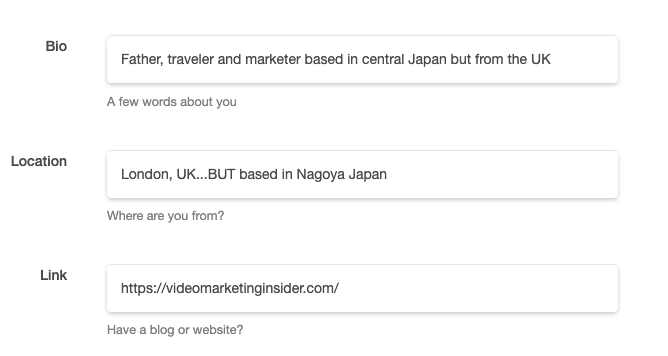
That part is fairly self-explanatory.
Now, once you login, you’ll be presented with a page like this, and it’s very similar in how it works to Pinterest.
If you know Pinterest, then you know it has boards.
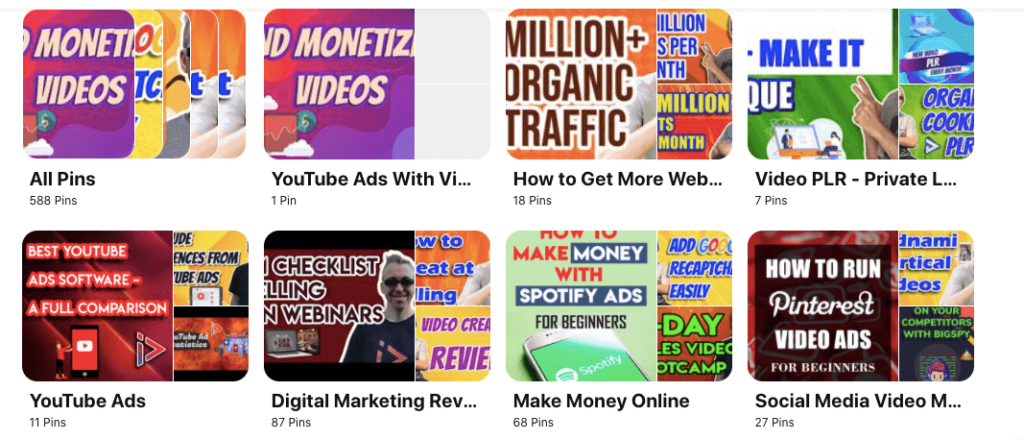
And the board is a theme of different images.
Inside your board, you can add as many images as you want.
Well, weheartit works in a similar way, but rather than calling them boards, they call them collections.
Iit’s pretty much the same thing, but it does have a few differences, as we’ll find out shortly.
As soon as you login, you’ll see the homepage.
If a board appears here, it is going to get some decent amount of traffic.
But of course, to get to this stage, you really have to, spend a bit of time on the platform.
What Topics and Audience are Best?
Regarding who visits this site, primarily the audience is going to be female, but it really depends on the niche that you’re in as to whether you can take advantage of this traffic source or not.
I think if you’re in anything related to travel, anything related to food or dieting, interior design, makeup, cosmetics, fashion, self-help, any topic like that and you’ll do really well.
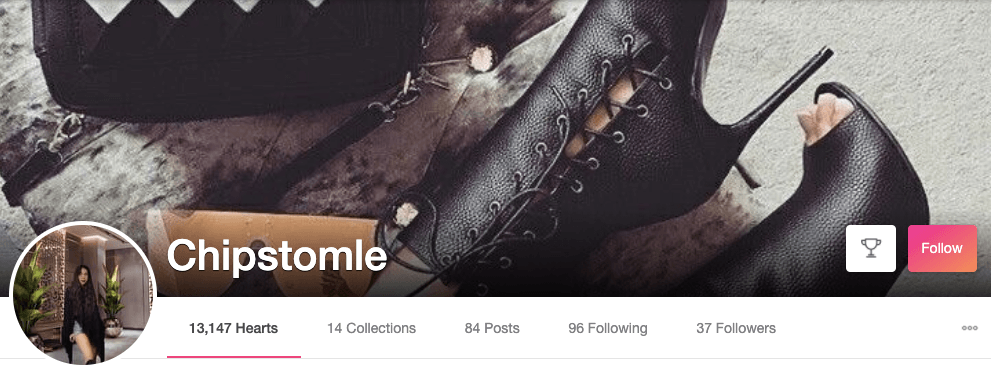
You can have a look at the website and see if you believe that your niche can do well or not, but there are things on pretty much anything you can think of.
So let’s just click, well, this is the home page.
If we click on, “Discover,” I’ll show you what happens here.
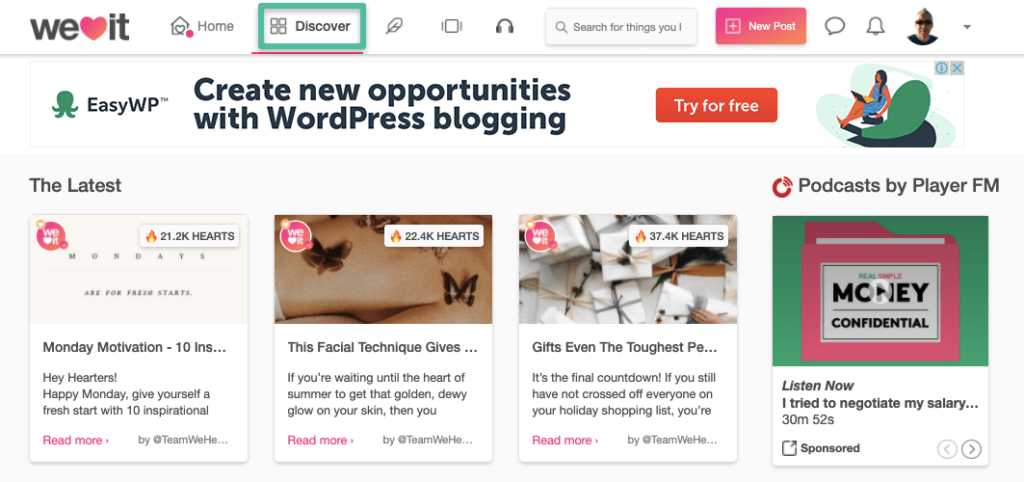
Okay, this gives you the latest information, popular images today, or right now, and over the past week or so.
So you can go and have a look and you can see what kind of images do really well.
When it comes to Pinterest, the best images are custom-made, they’re long, and may have a bit of text at the top and a bit of text in the middle.
A Pinterest Image
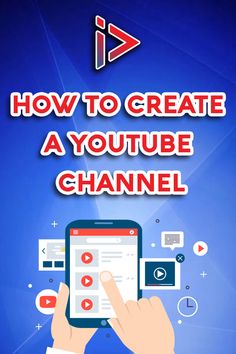
On WeHeartIt, a lot of these images are just basic photographs or regular images.
So you don’t have to spend as much time crafting something amazing-looking.
Ways of Posting
If we hover over a new post and click once, you can see that we’ve got three choices.
We can add an image, like you would normally, but they’ve got some very different things to Pinterest.
We can write an article, or we can add from a URL.
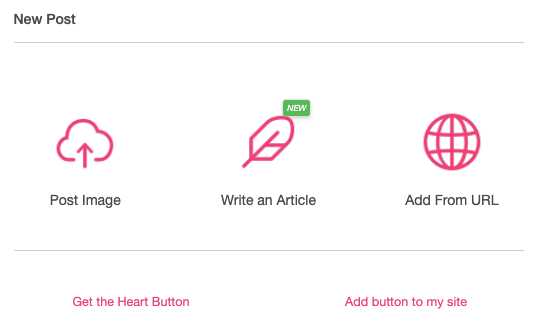
So let’s start with a post image.
I’m going to click on, “Post image.”
I’m going to choose a file, and for this example, I will use the Pinterest image from above.
We have several boxes to fill out with information about our image.
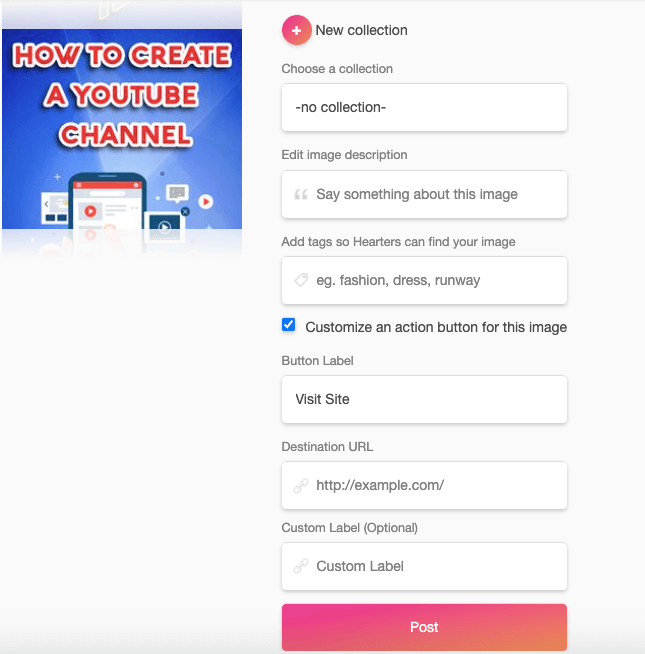
If you need to, you can adjust the crop a little bit.
Now we’ve got to choose a collection.
So again, a collection is like a board.
If you’ve never created a collection before, you’ll just click on, “New collection.”
Now, I have created one, but I’m going to call this, “YouTube Channel Basics”
Okay.
“Edit image description,” I will say, “How to Create a YouTube channel for beginners” and to add a tag, I will call this, “Marketing and YouTube”
Now the next step is to click on this little button and we can actually put a label, which is really cool.
So button, “Label,” I could say, “Subscribe now, or watch now”
So if anybody does click the button, it will take them to my YouTube channel.
And then into my YouTube subscribe area.
If you want to you can add a YouTube video, a blog post, or whatever.
Just be careful about adding an affiliate link as you may find the image gets removed down the line if you are too blatant about it.
So this is going to synergistically, as I grow my weheartit profile, it will synergistically get more traffic back over to YouTube as well.
Adding Articles
If we click on, “Articles,” you can actually add an article as well, which is quite interesting.
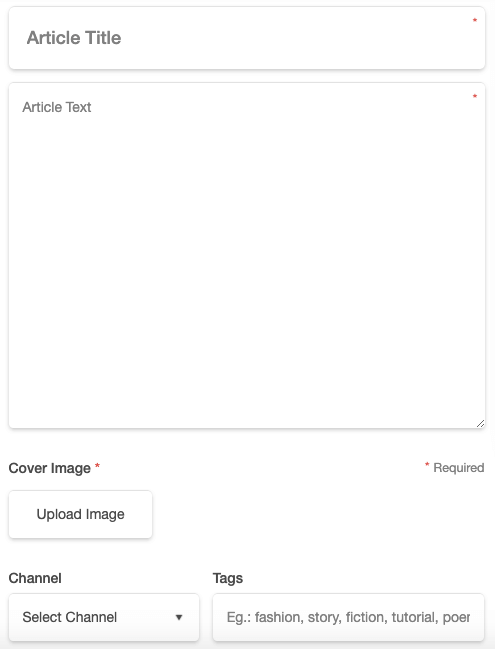
So although you can add text to the article, these are really meant to be image based.
Post Publishing Tips
Like any time you publish a piece of content, it is always advisable to share it across other networks to get more eyeballs on it.
This is no exception.
So again, you can share this.
So for example, you can share your We heart It posts on Facebook, Tumblr or Twitter.
You can add it to my blog although I do not do that personally.
Adding From URL
When you want to share a new post you can click on, “Add from URL.”
In the video below, I show you how to do all of this so I will not dwell on it here.
One thing I will say though is this.
It says, “Be original, do not copy articles from other users or the web.”
I think that’s something that really everybody should do anyway, but of course people will do that.
Don’t copy somebody else’s article.
How to Grow
If you start following other people, they are more likely to follow you back.
A lot of these things, it’s give and take, but you’ve got to give before you can take.
You can ask some friends or acquaintances if you want to get the ball rolling.
But again, by following people that you’re interested in, or that are related to what you’re doing, some of them will follow you back and it snowballs, but like all these things, it takes time.
We Heart It Demo Video
WeHeartIt Negatives
Weheart is a great place to find beautiful pictures or photos.
However, some images are posted without the consent of the original photographer and link back to another site that doesn’t always have permission of the original author either
I don’t know if this problem will be solved anytime soon but it needs serious attention considering how much time people spend browsing through We Heart It every day!
Another issue is there seems to be an ever increasing number of ads.
This can damage the experience for users.
Summary
Pinterest is a great website that is perfect for driving a ton of targeted traffic if done right.
But it does have a lot of competition.
So try out weheartit as an alternative to Pinterest.
It’s a great alternative to Pinterest, if you’re looking for an easier way to get some good quality traffic.
Overall Pinterest is better for interesting links and infographics, while WeHeartIt has a more social feel.
If you liked this article, and we hope you did, then please share it.
Maybe even pin an image or heart one as well.