
Prezentar review: If you are looking for a way to create stunning presentations without wanting to invest in a recurring software, then check out Prezentar.
And without wanting to learn Powerpoint (which is very dull), then this is for you.
Maybe.
There is a new tool on the marketplace and I aim to give you all the info you need so you can do your due diligence properly.
COUPON CODE: ADAMSPECIAL gets you 53% off

Note: My bonus mentioned later are things you will not find elsewhere.
So, let’s begin.
Prezentar is a new software by Adeel Chowdry (creator of Sqribble) that has a lot of hype about it.
Let’s be honest, the sales page, marketing and so on around this is ridiculously over the top.

But, no point being too serious about all that.
Ignore the pics of sports cars and bikini girls and claims and focus more on what the software can do.
And ask yourself, do I really need it?
If you were to believe 95% of the affiliates out there, you need this more than you need water.
But that’s mainly due to the insane prizes on offer and the fact that most folk jump from cock to cock promoting each others stuff.
Personally, I have only promoted two offers in 10 months and have never played the reciprocation game.
Anyhow, enough of that.
This review is as honest and up front as I can make it.
What does Prezentar Do?
According to them, it does this:
Prezentar creates stunning presentations in seconds.
It has amazing templates and remarkable features.
It’s ideal for quickly generating outstanding slides, presentations, courses, tutorials, webinars, videos, and ebooks!
A full all-in-one solution that includes voice recording and a music studio.
There is nothing to download.
The two products that Prezentar competes with are:
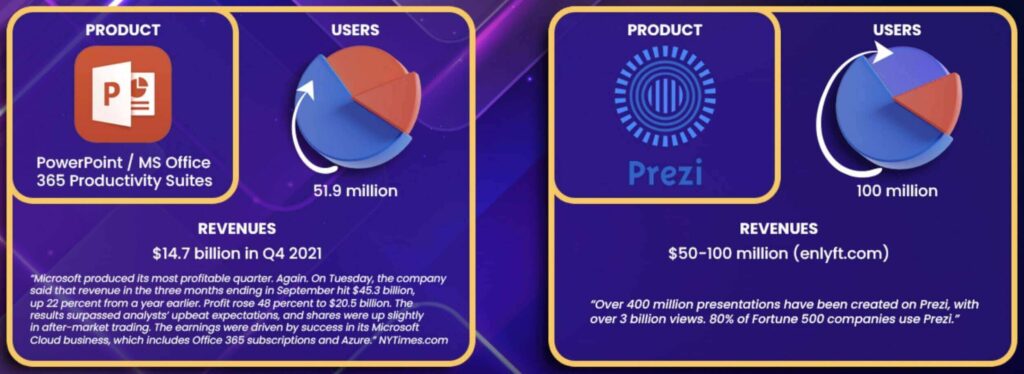
- Powerpoint & Keynote
- Prezi
Ok, so that is three, not two but you get the idea.
Some might say Canva too, which is what my first impressions was.
But Canva (which is brilliant) is not really a direct competitor like the above two.
PowerPoint and Keynote have never been my favorite tools, and there aren’t many other options for marketers.
So, I was really impressed by Prezentar because it takes designs, editing, ease of use, and speed to a whole new level.
The simple drag-and-drop editor and image cropping tool make it easy to make slides look the way you want them to without having to learn a lot of new features.
With the ready-made templates and huge stock library, you can make amazing presentations in just a few minutes and turn them into videos too.
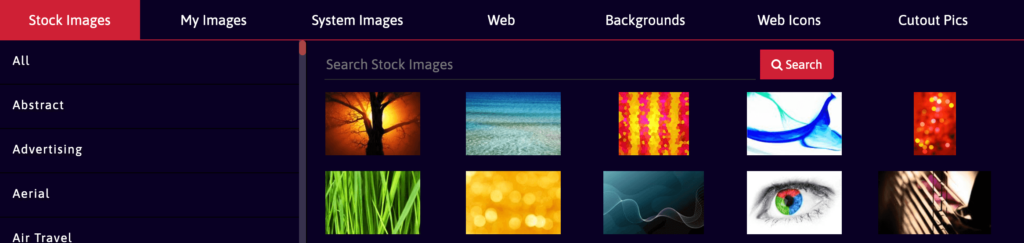
You can also record your voice over the presentations you make, edit it, and add music and animation effects anywhere you want, all from within the software.
How Do you use It?
For your campaign, choose from 50 ready—made templates that feature 500 content slides from a wide range of topics.
The image below shows more, as my review access has all the upgrades.
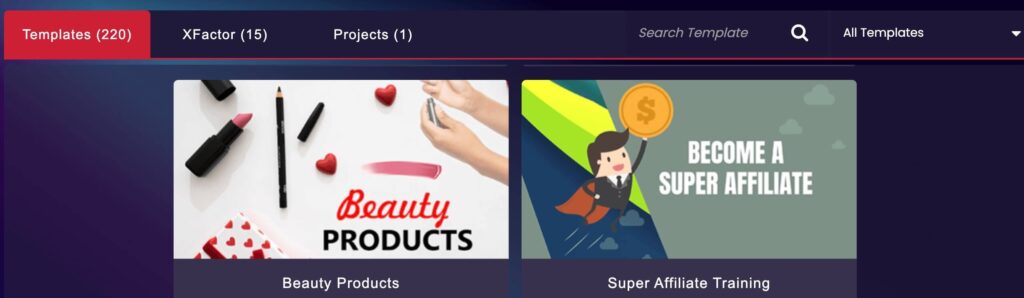
Click to begin after previewing the template.
In just a few clicks, you can change:
- backgrounds
- add animations
- magical effects
- logos
- photos
- alter text
- new sections
- new slides
- embed videos
- objects
- record audio
- edit audio
- and so much more all inside the program!
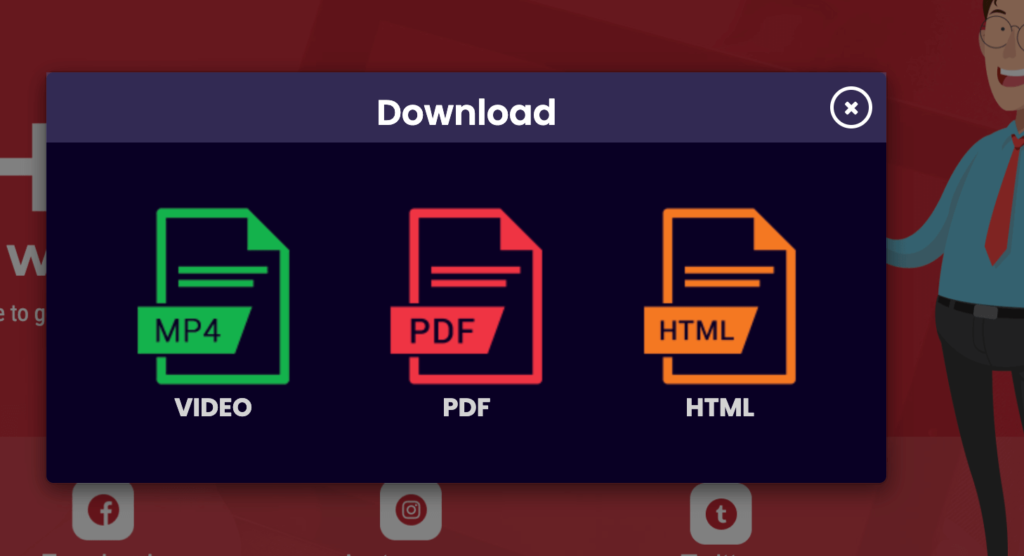
You may save your work as HTML, PDF, or VIDEO and share it with the world.
Share on the web, Facebook, Twitter, Pinterest, and LinkedIn.
Sounds good.
Let’s have a deeper dive with a video
Prezentar Review & Demo Video
Ok, so now you have seen what It can do, how about the upgrades?
The Sales Funnel
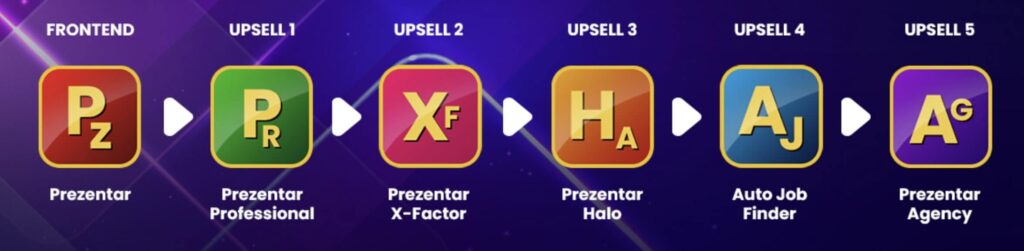
The one downside, in my opinion, is the funnel has too many upgrades.
2 or 3 are ok, but 5 is pushing it a bit.
I reckon you just ignore the last two.
Here’s an overview of the offers you’ll be given the chance to get:
Upgrade 1: Prezentar Pro – $97
Enhances your Prezentar program with:
- strong capabilities
- premium templates
- more designs
- more stock media
- photos
- an extended music studio
- audio recordings
- and access to a hidden video sales letter maker software.
My Verdict: Worth it- get
Upgrade 2: Prezentar X Factor – $47
Every month for a year, you’ll have new limited edition templates, slides, and graphics added to your Prezentar account.
There are no monthly costs, only a one-time charge.
My Verdict: Worth it- get
Upgrade 3: Prezentar Halo – $77
Share your presentations as:
- interactive flipbooks
- add 3D revolving slide carousels
- dazzling 3D dynamic transitions to slides
- and show presentations inside stylish mockup skins to surprise
My Verdict: 50-50 -Undecided
Upgrade 4: Auto Job Finder – $97
Auto Job Finder claims to find you new clients and employment online.
Potentially make money with Prezentar by getting paid to create presentations for clients.
My Verdict: Not needed
Upgrade 5: Prezentar Agency – $97
Want to create your own agency or expand your present one to service additional clients?
This upgrade allows you to add 25 more team members to your account remotely to optimize your productivity, clients, and income.
My Verdict: Not needed
So, now you know all the above, it’s time to present my amazing bonus package.
COUPON CODE: ADAMSPECIAL gets you 53% off

Prezentar Bonus Package
1. Interactive Prezentar Checklist – All the things you can do with Prezentar to get an ROI
2. Choose your course: If you buy Prezentar on this page, then you can get any one of the courses as a bonus.
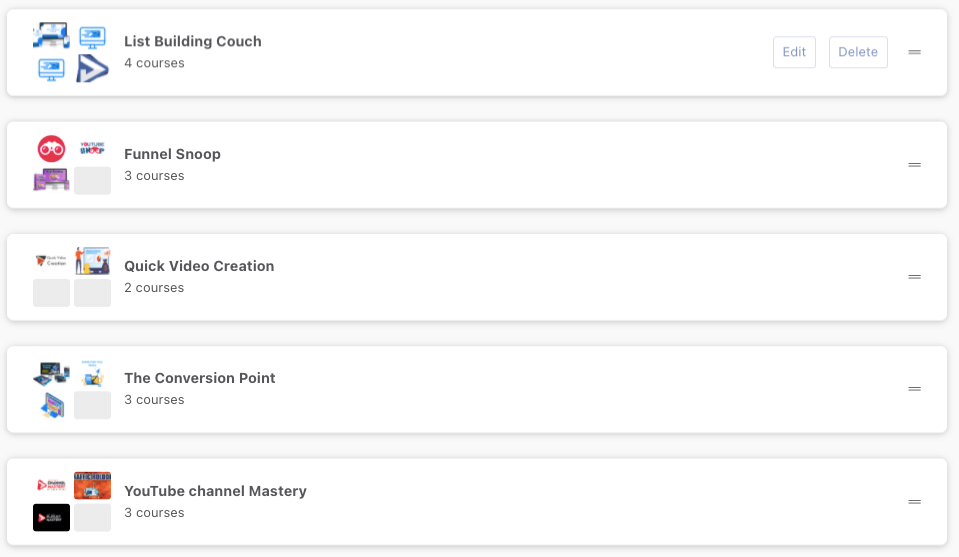
To get these normally, you would have to pay $47-$97.
3. SEO Guide – How to use Prezentar for SEO juice
4. Choose Your White Label Product: Get a premium white label product to sell as your own. Full PLR rights
To Ensure you qualify for the above bonus deal
Step 1: Clear Cookies and clear cache
To obtain all of your bonuses, just buy using the link on this page and then send an email to [Support@VideomarketingInsider.com] with the subject ‘[Give me my bonus]’.
Please include your receipt and order number.
I’ll send you the bonus page link and you will need to enter the correct receipt number to access the bonuses.
If you want to be SURE that I receive credit for your purchase, so you can be SURE that you get your BONUS, then the affiliate ID on the order/checkout page must be ‘[grampus]’.
This should appear when you click the order button on the order page, at the bottom of the page as so:

Plus, these are bonuses that you will get regardless and are provided by Prezentar:
- This will teach you a powerful method on how to turn your presentations into massive profits (Delivered automatically)
- Use this early bird fast mover $50 coupon right out of the gate!

- 10 exclusive Prezentar templates! These are NOT available anywhere else. (Delivered automatically)

Summary:
Despite the hype and cheesy sales page, this is a product that delivers.
The owners have a proven track record of supporting and enhancing their tools over the long term.
Naturally, there will be a slight learning curve.
And during the launch, you might find some features are sluggish due to the massive influx of customers.
But, this is a good one and worth it.
So go grab Prezentar and get the bonuses now.
COUPON CODE: ADAMSPECIAL gets you 53% off
I appreciate your candor on these. I have bought so much and not used it, but now I am retired and bought a program for Fiverr I intend to use and plan to write books once I’m successful with a regular gig. This will help me have more services to offer. However, the dueling coupon codes is confusing me.
Hi Flo. Thanks for stopping buy and the kind words. I’d just use the ADAMSPECIAL coupon and you should be good to go.