
Vidnami, a popular video creator among many marketers recently announced that they have been taken over by GoDaddy.
From Aug 20th, 2021, the tool in its current state will cease to exist.
Download your data before that.
Now of course, it is entirely feasible that the software and technology will be incorporated into GoDaddy studio and the new tool will be as good or even better.
It might be sold at a reasonable price.
But, it might not and many people are very skeptical.
Adding to this that the affiliates that made Vidnami a success have lost out on a decent amount of commissions.
More on that later.
So, what should we do?
Faceless videos can be very profitable either as for content for your YouTube channel or videos you sell to clients.
I used Vidnami myself and have spent time and money looking for a suitable alternative.
Vidnami Takeover Details
Let’s first get the details on the acquisition.
So, with this news in mind, people are scrambling for a new tool to create their faceless videos.
We all want to create videos quickly and easily.
There are many web based video editors online but what this is really about is a video creation tool.
A Vidnami alternative.
Sadly, many people are advocating tools that are in no way shape or form good enough.
Vultures are everywhere when people are in a panic.

Anyway…
What Are The Alternatives to Vidnami Spoken About?
Here I will look at the choices you’ll see online and why they are NOT a Vidnami alternative, in my opinion.
This does not mean they are bad tools of course; just they lack the features needed.
All of them are paid tools.
Lumen 5
Lumen5 has created a video creation platform that makes it easy for businesses to create engaging content.
The interface is clean and intuitive, allowing anyone with or without training experience make videos on the fly.
Support is top notch and it is a great tool.
But..
The reasons I do NOT think it is an alternative are:
- No ability to synch slides and audio (hugely important)
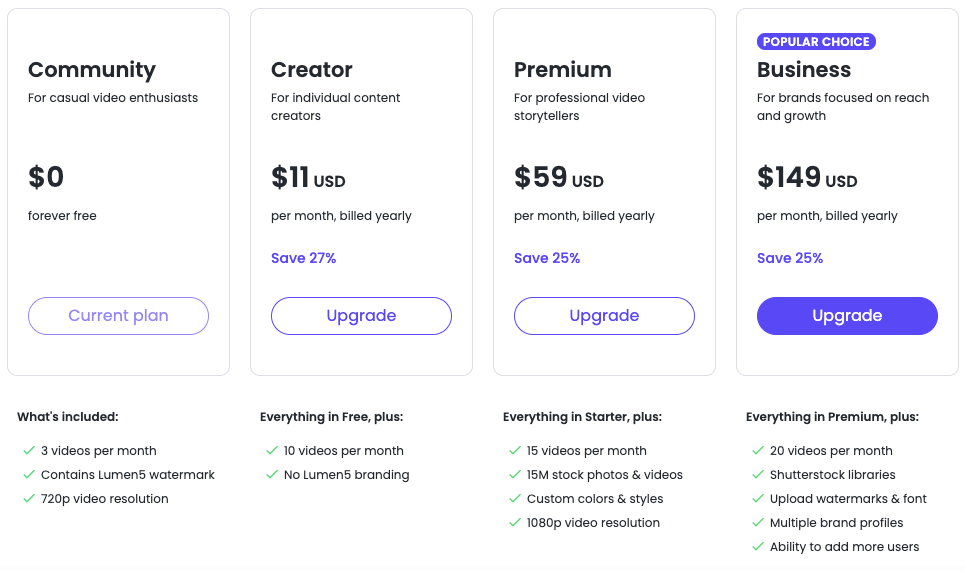
- The price. Vidnami was $29 PM but to even for $59 PM you can only make 15 videos
InVideo
I actually reviewed InVideo a long time ago.
It’s well supported and the team behind it are very nice.
It works the same way as Vidnmai did.
You copy and paste a script from an article or blog, then choose your template.
The software automatically creates the video for you with background images, videos (from their repository) and text fonts/sizes/colours by default.
You can change this to suit yourself!
You also have control over slides lengths as well as audio choices: use their music or upload them file of your own that will synchronize with the visuals on screen.
The reasons I do NOT think it is an alternative are:
- The UI is clunky
- The AI is quite bad when to comes to image selection
- The text takes a LOT of work to make look nice
- I found it fiddly and the tool way too slow
Flexclip
FlexClip is a nice tool but as of now, lacks in features to be considered an alternative.
They too have great support and who knows; with some changes and additions they could become another viable alternative.
YIVE
Yive is a mass video creator and nowhere close to an alternative.
I found the sales page tacky and the premise is basically to create mass amounts of not so good looking videos at once.
Not for me.

The Best Vidnami Alternative is Wave.Video
I decided after looking at the above, to test Wave.video.
And I felt this to be the best solution on the internet and it has some happy users already.
I got a free trial type account first and then a paid to become a ‘Creator’ member at just under $30 per month.
If I need to upgrade at a later date, I can.
What impressed me first was the amount of video templates inside of different sizes.
Watch the video below where I demo the video software.
As you can see, the process is fairly similar to Vidnami.
The Steps needed to Create a Video
The first step is the script.
Wave.video then arranges the text into video scenes with pre chosen images and added video clips from their library.
I edited the text and then I added my voice track in .MP3.
From there I could edit the slides, add animation and more.
Video editing was easy enough for such a software.
There was even an option to burn captions but I did not show that on my video above.
The result was a high definition video akin to a vidnami video that was of good quality.
And you can upload it directly to social media if you want or have them host it.
Wave.Video Features
The features of Wave.Video are amazing.
It has:
- A video creator that auto creates videos from text or blog posts
- AI to automatically pull in images and videos
- A library of stock images, music and videos for your videos
- Lots of templates
- Video re-sizer for all social media networks
- Easy editing of the text on the scenes
- Text to Speech
- Upload an audio option
- AI voices
- Ability to synch scenes and audio files
- GIFs, animations and more to be added
- UI looks nice on your screen
- All done in the cloud
- Much more
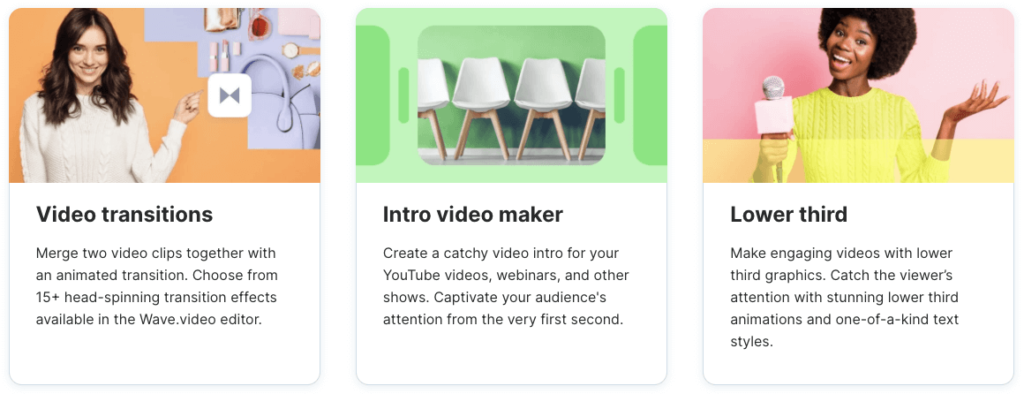
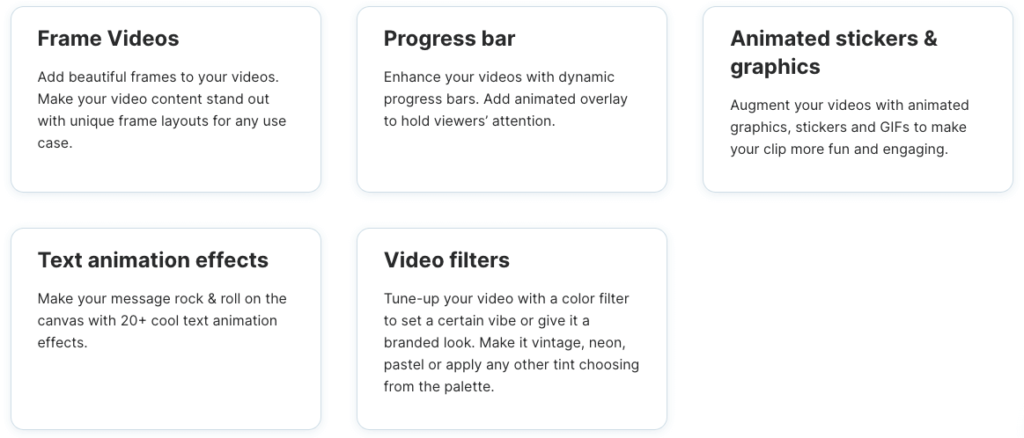
Not only does it have the same ones as Vidnami, it has extras as well.
Here are some of the ones on the sales page:
Wave.Video Pricing
This is what you see on the sales page if you go there directly:

However, if you get wave.Video via the link at the bottom of the page, you will get a 10% discount and end up paying just under $30 PM.
So, Basically the same as Vidnmai which was $29 PM
If you get the annual plan, it works out cheaper but you may want to try it for a few months first.
A Summary & Full Bonus Package
It took a lot of time and a little expense to find a suitable alternative.
Free never works for these kind of things.
But as making videos is key to many, it was something that had to be done.
Wave.Video is a premium service and I was surprised that there are not many reviews (probably due to the small affiliate program lol.
It’s very affordable price though, and you can, with a bit of practice, get your videos done in minutes.
As for bonuses, you can get ALL of these bonuses that I had offered for Vidnami perviously.
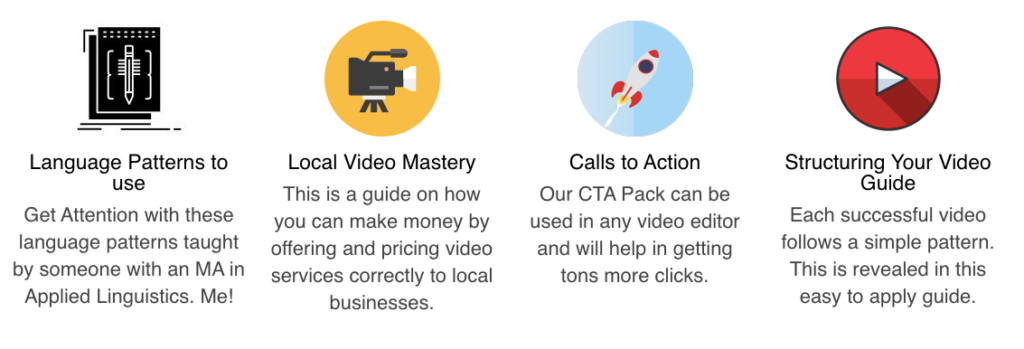
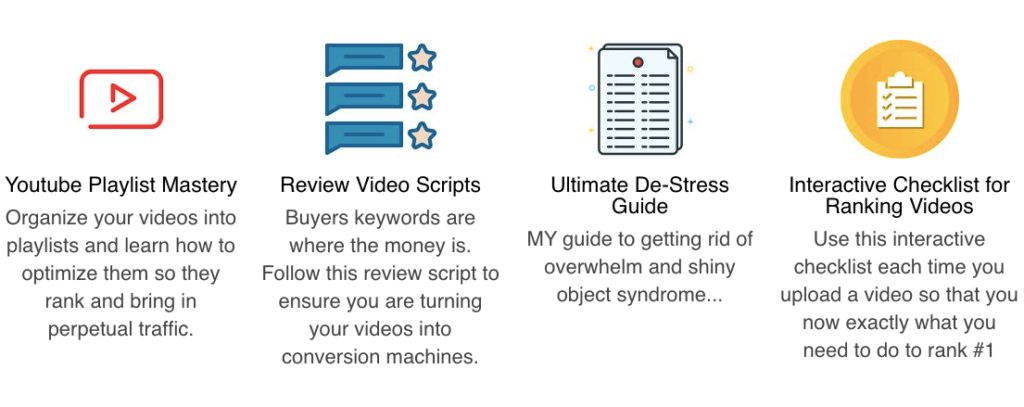
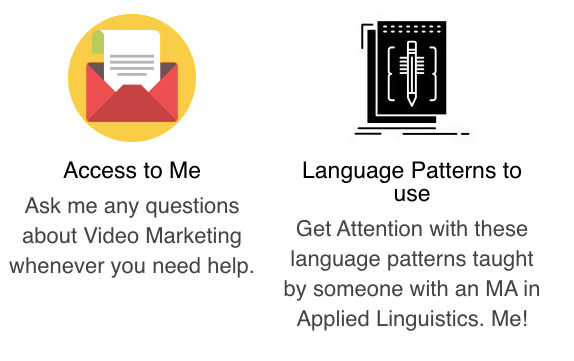
So, Go ahead and try out Wave.Video and email me for the bonuses.

A very thorough and solid review of all the would be alternatives to Vidnami. Thank you for saving me time, money, and picking the superior alternative. Cheers!
Glad you found it helpful Terry. I really think wave.video is the best option for now.
Thank you Adam, a great review and you also saved me time and money looking for alternatives. Like what I have seen and will be using your link to sign up on the monthly plan to start with.
Thank you. All the best. Steve
Glad you liked the review Steve and thanks for taking the time to comment. Cheers. Adam